Inventari: an open-source WMS for a small business warehouse
Pick several orders in one walk along the shelves, phone in hand, pack them, note the carrier and the tracking number, and ship. Every delivery in and out is a numbered document that moves the stock for you. The tools of a professional WMS with no licence fee and no subscription, and they run even on a small VPS.
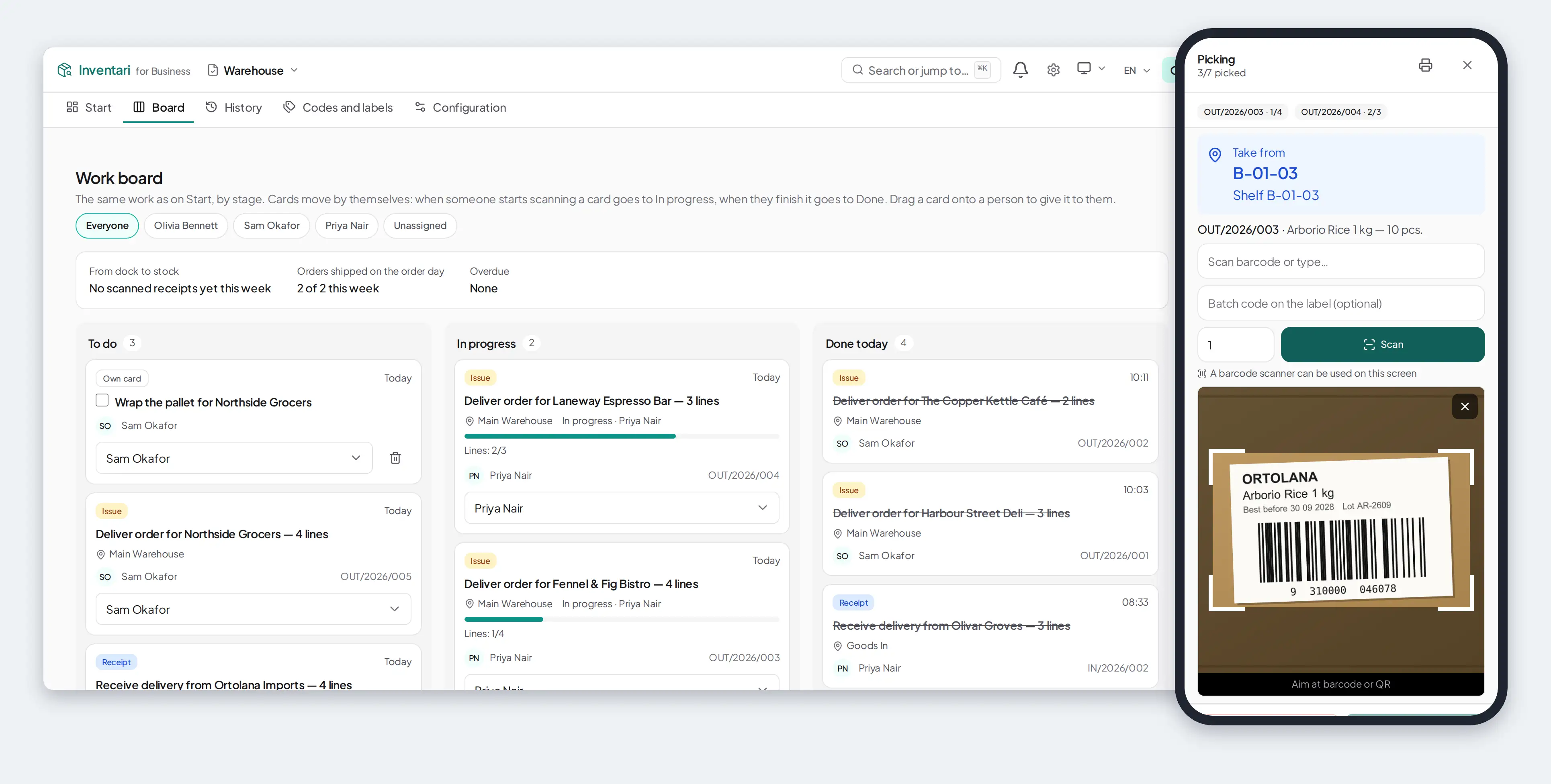
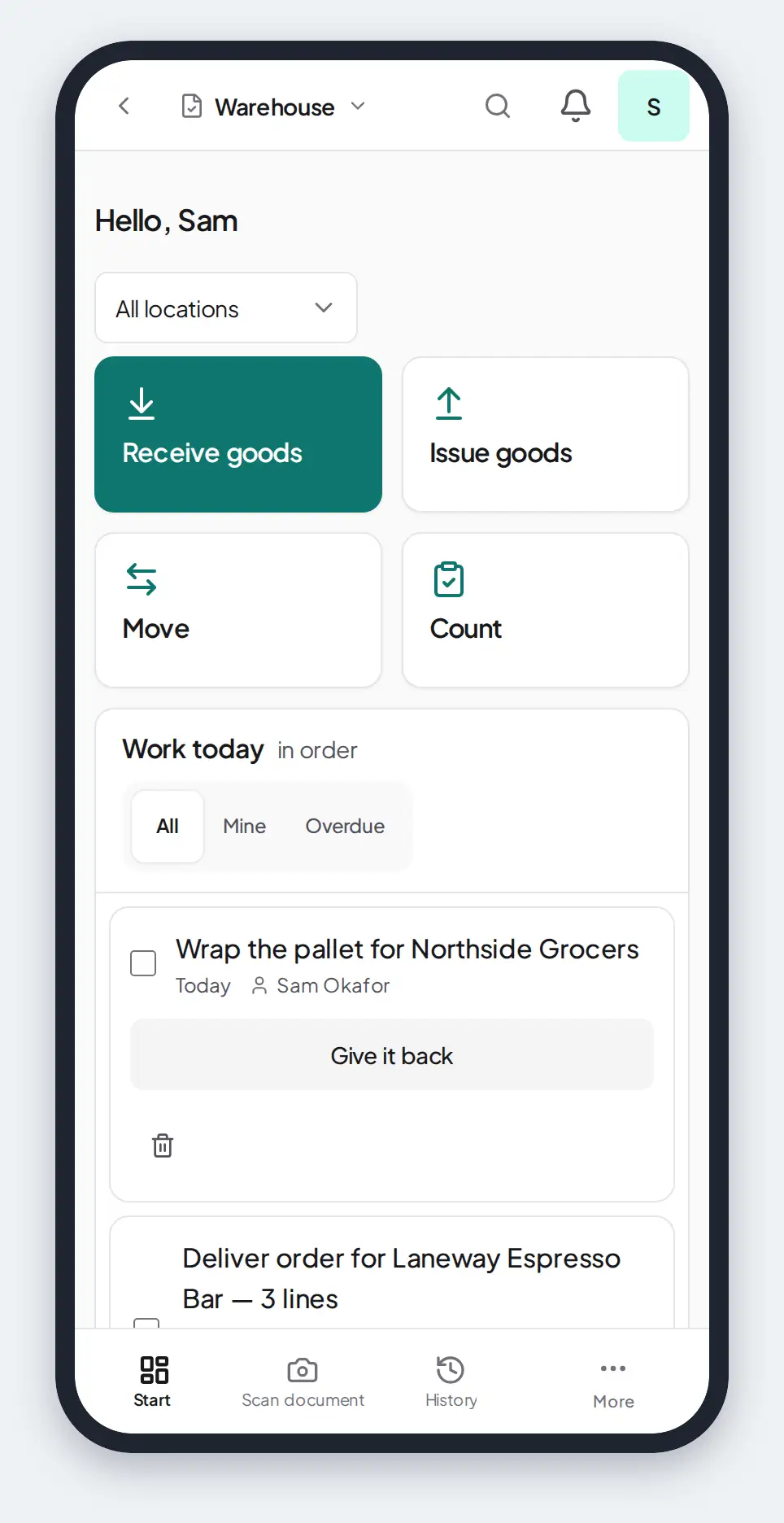
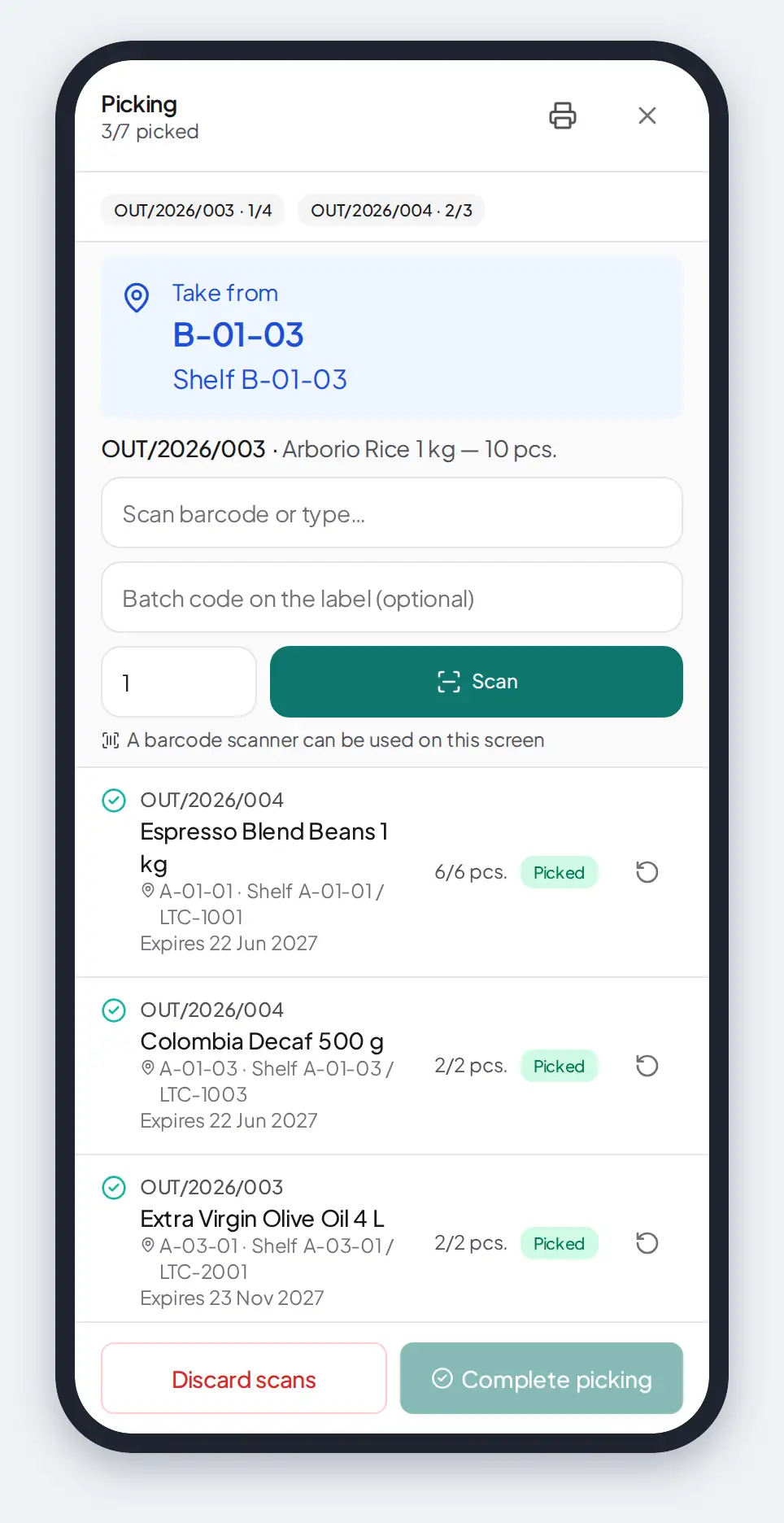
In the demo: Press Try the demo on its first screen. On a phone, Work today opens. Tick two deliveries waiting and choose Pick 2 selected: one walk shows the lines of both, shelf by shelf.
Six steps to install, on a VPS of your own.
What you get in the warehouse
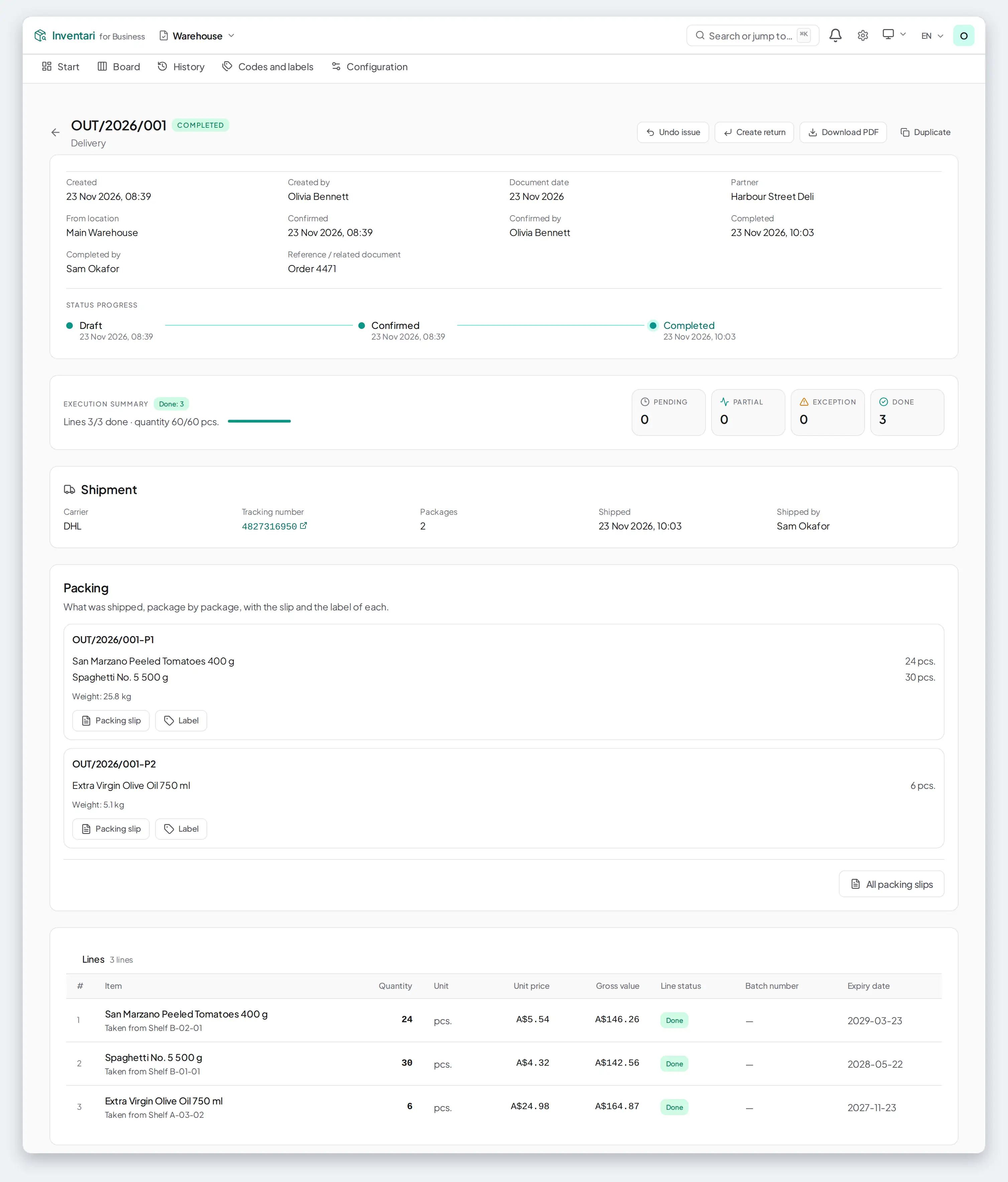
Documents with numbers
Goods received, goods dispatched, transfers and corrections, each a numbered document that goes from draft to done. Each one moves the stock and records who did what. The names follow your country: GRN and DN in the UK, PZ and WZ in Poland.
Picking with a phone
The camera reads the barcode on the carton. Several orders are picked in one walk, shelf by shelf, in the order your warehouse is laid out.
Packing and shipping
Picked goods go into numbered packages, each with a packing slip and a label. The carrier and the tracking number are saved with the delivery.
Purchase orders and receiving
Order from suppliers and receive in part or in full; any difference between the order and the delivery shows at once. Putaway rules say which shelf each line goes to, in one step or two.
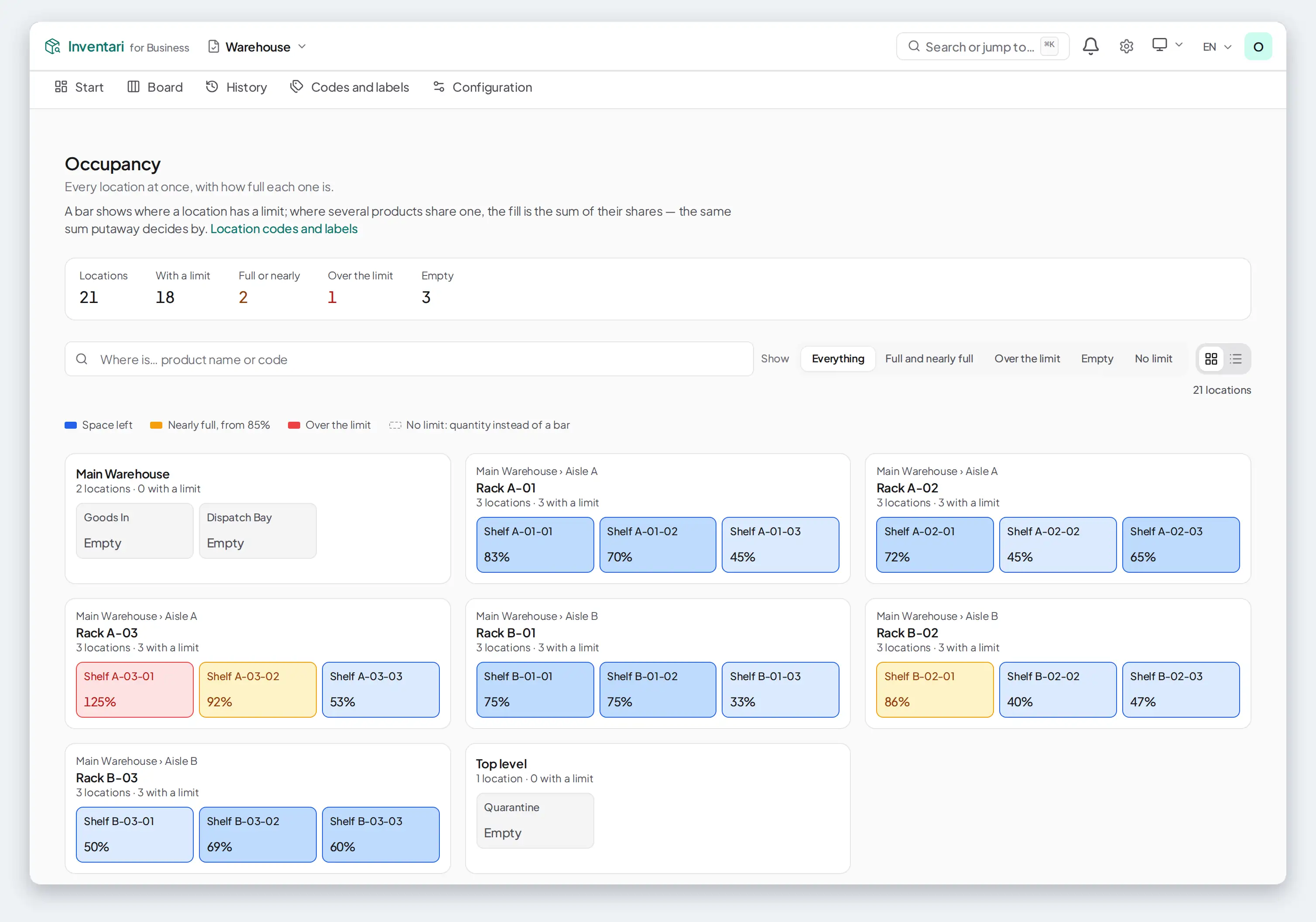
Shelves with limits
Set how much each shelf holds. The occupancy map shows which have room, which are nearly full and which are over.
Counts and valuation
Stock takes compare the system with the shelf. FIFO valuation prices what leaves at its oldest cost first.
Batches and dates
Batches with best-before dates. When picking, you can send out the shortest-dated batches first.
Roles, permissions and audit
Everyone sees and does only what their role allows. Documents can require approval, and nobody can change or delete the log of operations through the application: the database itself refuses it.
Screens
Start on a small server
Try the demo first, then install Inventari on a VPS of your own with a domain name: the guide takes six steps, and HTTPS and backups work from the start. A server with 4 GB of memory is enough: that is the smallest setup the guide describes. In our test on a 4-core VPS with 8 GB, about 7 EUR a month, a warehouse of 100,000 products answered a scan in 20–80 ms.
The warehouse in the user guideQuick deployInventari and Odoo InventoryInventari and InvenTree